
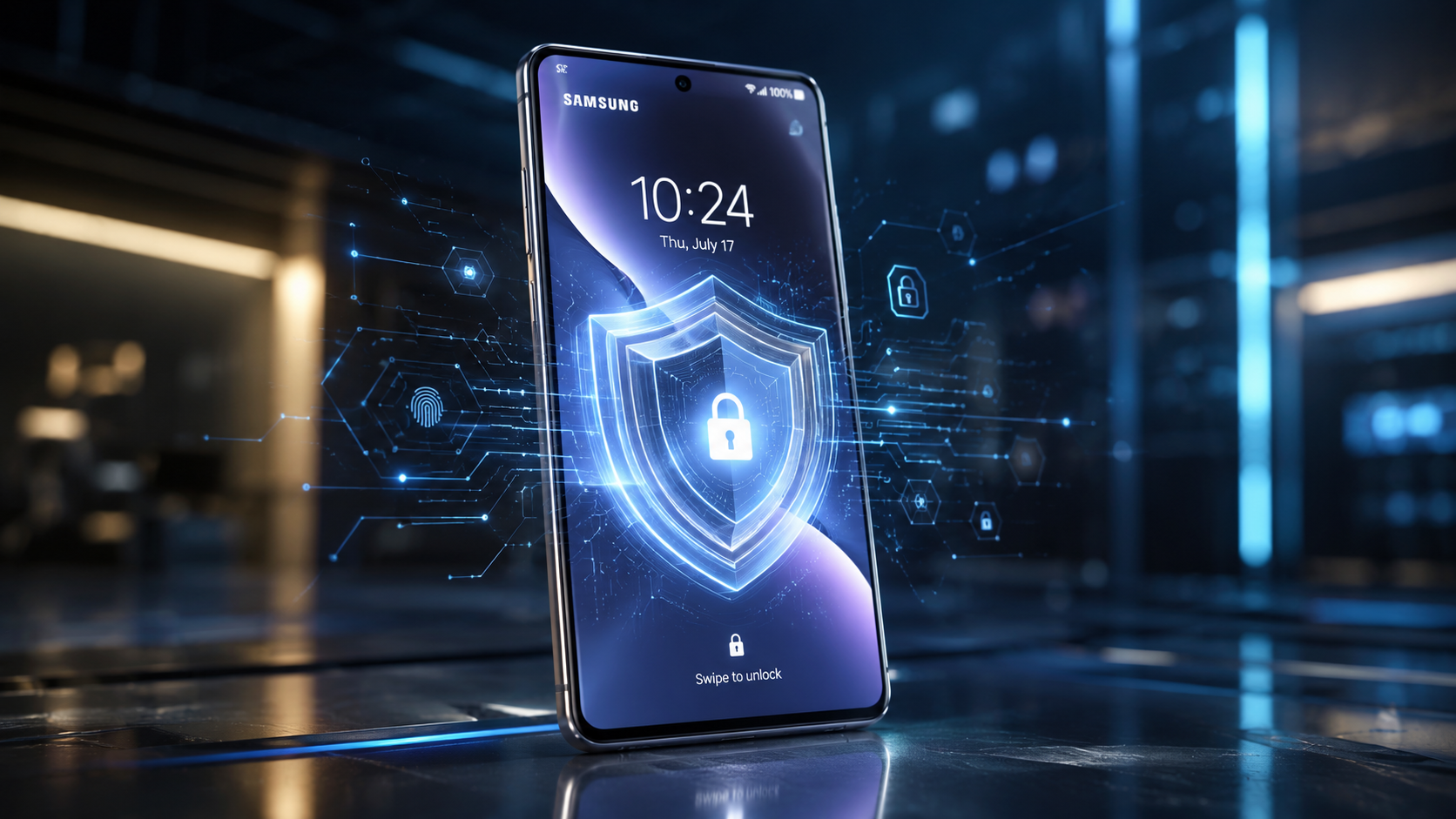
Alright, folks. Another One UI update, another set of shiny new features Samsung’s pushing. You’d think with One UI 9, we’d be getting smarter AI, slicker animations, maybe even a coffee maker integration. Nope. What we’ve *actually* got is a head-scratcher. A security change on the lock screen that feels less like an upgrade and more like a massive step backwards. And trust me, you need to know about this. It’s a big deal. For starters, it messes with the fundamental privacy you expect from your phone. You know, the device that holds your entire life? Your banking apps, your photos, your sensitive work emails. Every single one of them. Well, apparently, Samsung thinks you don’t need *quite* as much protection as you thought.
The “Feature” No One Asked For
Here’s the thing: with One UI 9, Samsung’s decided to grant easier access to certain Quick Settings toggles and notification interactions *even when your phone is fully locked*. We’re not talking about just showing you the time or letting you swipe away a non-sensitive alert. No, this new setup lets anyone who picks up your phone – no fingerprint, no face ID, no PIN – fiddle with critical settings like Wi-Fi, Bluetooth, Location, and even the Mobile Hotspot. Think about it. Why? Why would you want someone to be able to toggle off your Wi-Fi, disable your location tracking, or even turn on your hotspot without unlocking the device? You wouldn’t. You absolutely wouldn’t. It’s a baffling choice, especially when devices are supposed to be getting *more* secure, not less. It just doesn’t make any sense.
Why This Matters (A Lot)
Make no mistake, this isn’t just a minor annoyance. This is a privacy and security nightmare waiting to happen. Imagine your phone gets stolen. Your first thought, after panicking, is probably to track it, right? You’ll use SmartThings Find or Google’s Find My Device. But here’s the catch: if a thief can simply swipe down on your locked screen and disable location, mobile data, or Wi-Fi, your chances of recovery just plummeted. They can effectively brick your ability to track it. Instantly. Not good. Beyond theft, think about a nosy colleague or family member. They can snoop on your notifications more easily, or even silently enable/disable connectivity features you rely on. We’re talking about basic control over your device being handed over to anyone with physical access. It’s an open door, people.
Samsung’s “Logic” (Or Lack Thereof)
So, what’s Samsung’s thinking here? Convenience? User feedback? I’m honestly stumped. Historically, Android has always allowed *some* limited interaction on the lock screen, like dismissing calls or pausing music. But there’s a clear line between convenience and compromise. One UI 9 seems to have not just crossed that line, but sprinted over it with reckless abandon. We’ve come to expect a robust, secure barrier between the outside world and our personal data. You put a PIN on your phone, you set up face unlock, you use a fingerprint sensor because you *want* that protection. You trust the system to keep your stuff safe. This new “feature” chips away at that trust. It’s a fundamental breach of what a lock screen is supposed to do: *lock* your phone. Apparently not.
The short answer? This isn’t okay. Samsung needs to re-evaluate this “enhancement” immediately. They’ve got to understand that security isn’t something you tinker with for marginal convenience. It’s foundational. For us users, you’ll want to dig into your lock screen settings in One UI 9 and see if there are any options to restrict this access. I’m hoping there’s a toggle, some obscure setting we can flip to revert to sane security behavior. If there isn’t, Samsung, you’ve got a big problem on your hands. And we, your loyal Galaxy users, deserve better. Seriously. This isn’t just an opinion; it’s a critical flaw in what should be an impenetrable defense. Fix it, Samsung. You’ve got to.
Leave a Reply