Key Takeaways
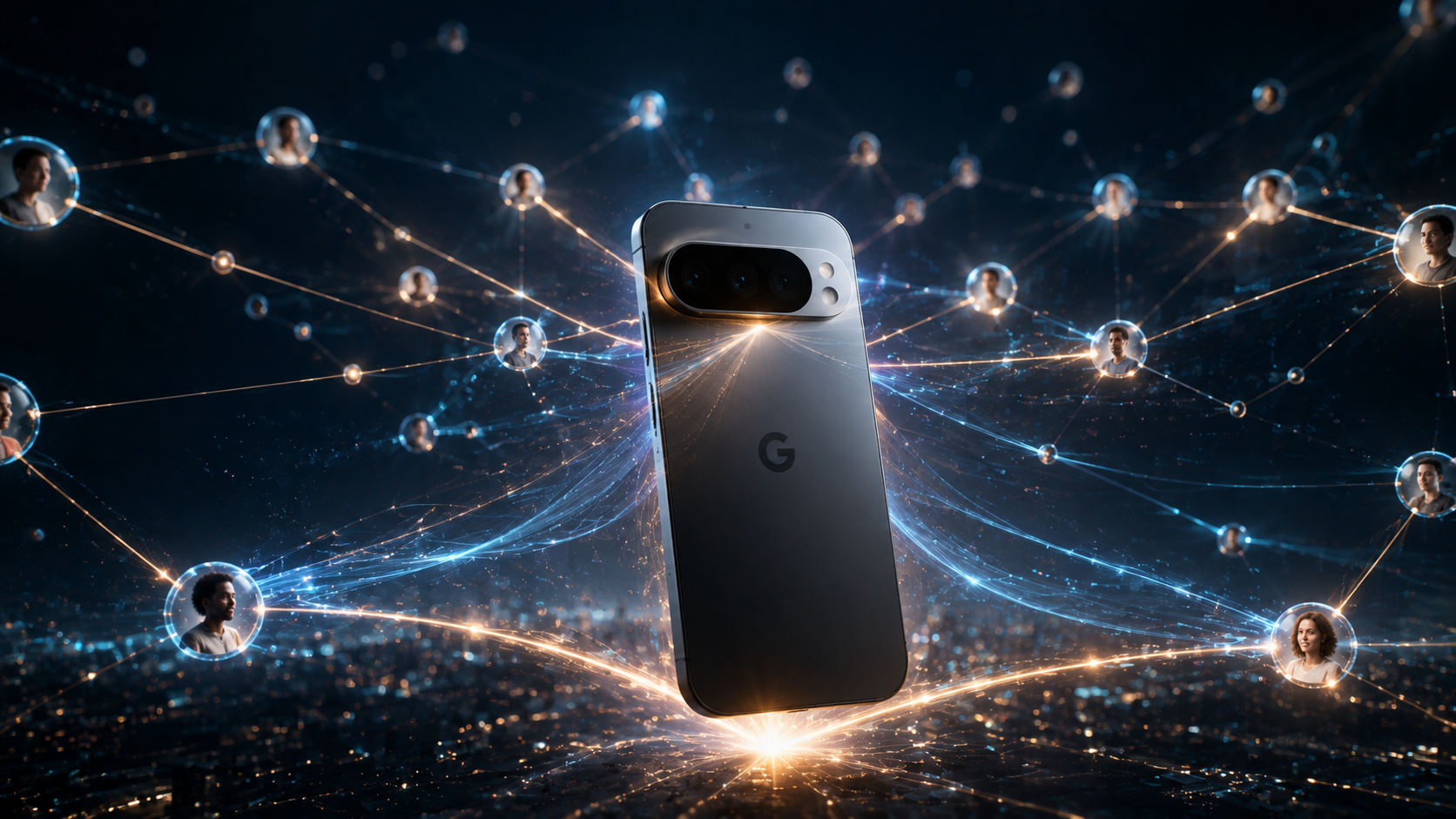
- Google’s rumored Pixel 11 Pro feature, “HiLight,” aims for hyper-personalization through deep integration with your Google Contacts.
- It’s supposedly an AI-driven contextual engine that anticipates your needs based on who you’re interacting with or about to interact with.
- Expect dynamic UI changes, smart notifications, and proactive suggestions, all powered by your contact book.
- While convenience could be massive, privacy concerns and the potential for “Google knowing too much” are already raising eyebrows.
The Story
Alright, tech nerds, buckle up. We’re hearing whispers, loud whispers, about the Pixel 11 Pro, and there’s a new kid on the block called HiLight. First off, let’s just say Google’s not exactly shy about baking AI into everything they touch. We know that. But here’s the thing: this HiLight rumor suggests a whole new level of integration, specifically with your Google Contacts. Not just linking a profile picture anymore. Oh no. This is way deeper.
Think about it. Google already knows who you email, who you text, and probably who you secretly stalk on LinkedIn. Now, imagine a phone feature that actively uses *all that contact data* to change how your phone behaves. That’s what HiLight is allegedly bringing to the table. It’s supposed to be an AI-powered contextual awareness engine. It won’t just know *who* you’re talking to; it’ll try to guess *why* you’re talking to them, and what you might need next. Pretty wild, right?
So, how’s it supposed to work with Google Contacts? For starters, let’s say your spouse is calling. HiLight might recognize that, based on your calendar, you’re in a meeting. It won’t just silence the ringer; it could automatically send a canned “in a meeting, call you back” text and even pop up their last few messages or shared photos on your lock screen for quick reference when you *do* get a moment. Or maybe you’re messaging a work contact you haven’t spoken to in a while. HiLight could pull up your last email exchange right within the messaging app. It’s supposed to be proactive, anticipating your needs before you even realize you have them. It’s Google trying to be your digital mind-reader. It’s a lot. A whole lot.
Make no mistake, this isn’t just about showing a bigger picture when Mom calls. We’re talking about the phone dynamically altering its entire user experience based on the identity and context of your contacts. If you’re heading to lunch with a contact tagged “Potential Client,” HiLight might automatically pull up their company’s website or suggest a note-taking app. If it’s your best friend, maybe it’ll suggest a new restaurant you’ve both talked about. The promise? Seamless, hyper-personalized interactions. The catch? Well, that’s where things get interesting, isn’t it?
Pros & Cons / Feature Comparison
Let’s break down what HiLight could offer versus what we currently put up with.
| Feature | Current Google Contacts Integration | Pixel 11 Pro HiLight Promise |
|---|---|---|
| Notification Context | Shows caller ID, sometimes a contact photo. Basic ringtone/vibration settings. | Dynamic adjustments based on contact importance, your schedule, and location. Proactive text responses. |
| App Integration | Tapping a contact can call, text, email them. Some apps link to contact profiles. | Deep, predictive integration. Suggests relevant apps (Docs, Photos, Calendar) and content based on contact context. |
| User Interface | Largely static. Contact info is accessed manually. | Fluid UI that adapts based on active contacts. Quick actions related to specific people. |
| Data Usage | Primarily uses name, number, email, address, notes, profile pic. | Combines all of the above with calendar entries, location, recent communications, and app usage patterns. |
| User Effort | Requires manual searching, recalling context, opening multiple apps. | Minimal effort; the phone anticipates and presents relevant info and actions proactively. |
Pros:
- Unparalleled Convenience: Imagine how many taps you’d save. It’s about reducing friction in our increasingly busy digital lives.
- Hyper-Personalization: Your phone truly feels like *your* phone, learning and adapting to your unique social and professional circles.
- Reduced Digital Clutter: By bringing relevant info forward, it could minimize the need to constantly switch apps or search.
- Smarter Interactions: Less “What was that thing about?” and more “Oh, right, HiLight already pulled it up.”
Cons:
- Massive Privacy Concerns: Google collecting and cross-referencing *this much* data about your relationships? That’s a huge leap, isn’t it?
- “Creep” Factor: Will it feel helpful or just plain unsettlingly intrusive? There’s a fine line.
- Potential for Errors: AI isn’t perfect. What if HiLight misinterprets context and sends the wrong info or makes an awkward suggestion?
- Data Security: The more data that’s collected and processed, the larger the target for bad actors.
- Feature Bloat: Google has a history of launching ambitious features that don’t quite stick the landing. We’ve seen it before.
- Battery Drain: All that constant contextual processing? You’ll need a power bank glued to your hand.
Why This Matters
This isn’t just another incremental upgrade. If HiLight works as rumored, it represents a significant philosophical shift in how Google wants us to interact with our devices. It’s not just a tool; it’s becoming an active participant, an almost sentient assistant that’s deeply embedded in your social fabric. That’s a big deal. For one, it raises the stakes dramatically in the ongoing privacy debate. Google’s always walked a tightrope there, and HiLight could either be a brilliant step forward in user experience or a misstep that makes people seriously question how much they trust Big Tech with their most personal connections.
It’s also a clear move against Apple, who’s always emphasized privacy as a core differentiator. If Google can deliver this level of intelligent assistance without a major privacy backlash, they’ll have a serious advantage. But that’s a *huge* “if.” Apple’s got a user base that’s increasingly wary of data collection. Google’s playing a different game, one that trades privacy for hyper-convenience. We’ll have to see if users are willing to make that trade-off, especially when it involves their most intimate contacts.
Ultimately, HiLight pushes the boundaries of ambient computing. It’s about your phone understanding your life, not just reflecting it. That could be incredibly powerful, making our devices feel more intuitive and less like a chore. Or, it could just be another layer of digital noise, another feature that tries too hard and ends up being annoying. My money’s on it being a bit of both, but there’s no denying the ambition here. It’s either going to be a game-changer, or it’s going to highlight just how much data we’re really comfortable sharing.
Frequently Asked Questions
Q: Is HiLight a confirmed feature for the Pixel 11 Pro?
A: Not officially, no. But the leaks and rumors are pretty strong, and it certainly sounds like something Google would try to bake into their flagship Pixel line. We won’t know for sure until Google makes an official announcement, which is usually closer to launch.
Q: How will HiLight protect my personal data, especially sensitive contact information?
A: That’s the million-dollar question, isn’t it? Google will almost certainly claim that all processing happens on-device or with heavy anonymization and encryption. They’ll say you’re in control. But history tells us that “on-device” still means Google’s software is doing the analyzing, and “anonymization” can sometimes be reversed. User choice and transparent controls will be absolutely critical here; otherwise, it’s a non-starter for many.
Q: Can I turn HiLight off if I find it too intrusive or just don’t want it?
A: You’d better be able to, or we’ve got bigger problems than just a busy notification shade. Google typically provides toggles for most advanced AI features, especially those with privacy implications. Expect deep settings to control what data HiLight can access and how it operates, likely within your Google Contacts settings and the main system settings. If they don’t offer granular control, there’ll be a massive outcry, and rightfully so.
Leave a Reply